







-
TLDR
-
What to look at when choosing a height-adjustable desk size
-
1. How much space can you spare?
-
2. How many screens do you work with?
-
3. Is the desk frame built for your setup?
-
4. What do you use your standing desk for?
-
5. What's your budget?
Picking a standing desk seems quick and simple until you realise how many options there are. Choosing the wrong size is a common mistake when buying a height-adjustable desk.
If it’s too small, your monitor feels crowded and your arms have no room. If it’s too big, you waste space, clutter your room, and have to reach too far. Most people forget about depth, which determines how far your screen is from your eyes. Choosing the right size from the start means having a height-adjustable desk that fits your body and room, not one you just learn to live with.
New to ergonomics? First, find out what a standing desk means, then come back to pick the right size.
TLDR
- Measure the room first so the desk fits without crowding it.
- Having more or bigger monitors means you need a wider desk to fit them easily.
- A strong frame helps bigger desks stay steady and move up and down smoothly.
- A laptop setup needs less room than a multi-screen one.
- Bigger desks cost more, but the best size is the one that works for you.
What to look at when choosing a height-adjustable desk size
There are many comfortable ergonomic desks, and picking the right size can be confusing. Here are the key things to think about before buying a sit-stand desk for your space.
1. How much space can you spare?
Start by deciding where the desk will go. If you’re setting up in a bedroom or living room, you have to work around a bed, couch, or walkway, and a big desk can fill the room quickly. For smaller spaces, a 120x60 height-adjustable desk or 140x70 standing desk works well: small enough to fit in a corner but big enough for a laptop or an extra screen.
A dedicated office or wide wall is the opposite problem, where a small desk feels too tight. In that case, a 200x80 ergonomic desk feels more natural and gives you plenty of space to work. Whatever you choose, measure your space first to make sure it fits well without crowding the area.
2. How many screens do you work with?
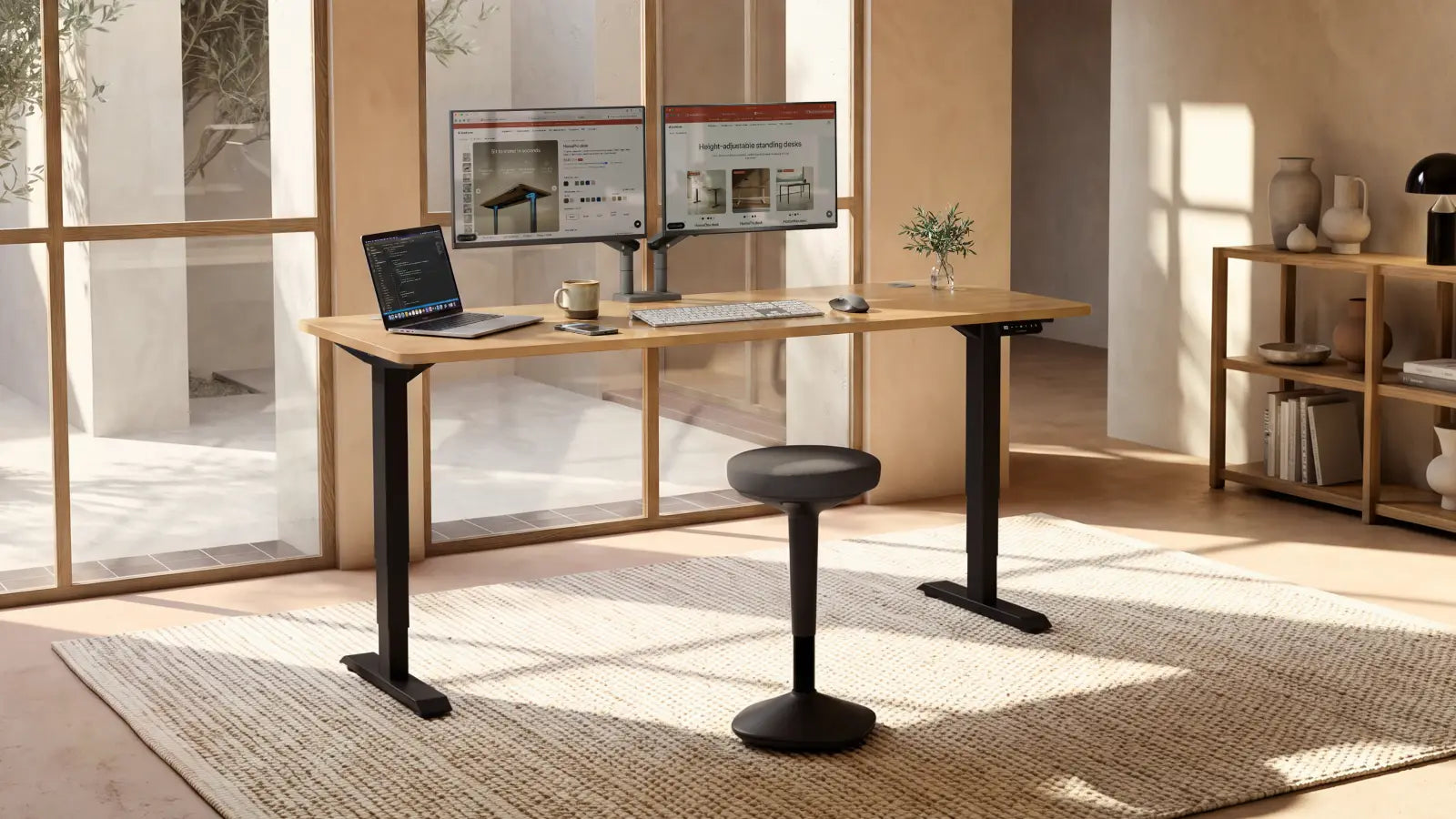
Your monitors decide how wide and deep your desk needs to be. A single screen or laptop fits almost anywhere. But a wide monitor or 2 side by side need more space to avoid crowding, so a 140x70 height-adjustable desk or a typical 160x80 desk works well.
Depth matters too because bigger screens need to sit farther back to be easy on your eyes and within your natural ergonomic reach zones. If space is still tight, adding a monitor stand lifts your screens to eye level and frees up the surface underneath.
3. Is the desk frame built for your setup?
It's also important to think about how much you will put on the desk. If you only have a laptop, a charger, and a cup of tea, there’s no real reason to buy a big desk. You won’t use all that space, and you might be unhappy with the wobbling that can happen on a large desk with so little on it. A 180x80 height-adjustable desk or 200x80 standing desk with just a laptop doesn’t have enough weight to keep the frame steady, and that’s when small movements cause a noticeable shake.
A frame made for that size stays steady with or without a full setup, which is where quality really shows. If you want a base you can trust, our height-adjustable desk frames are made to hold steady and keep things stable, no matter what you put on top.
4. What do you use your standing desk for?
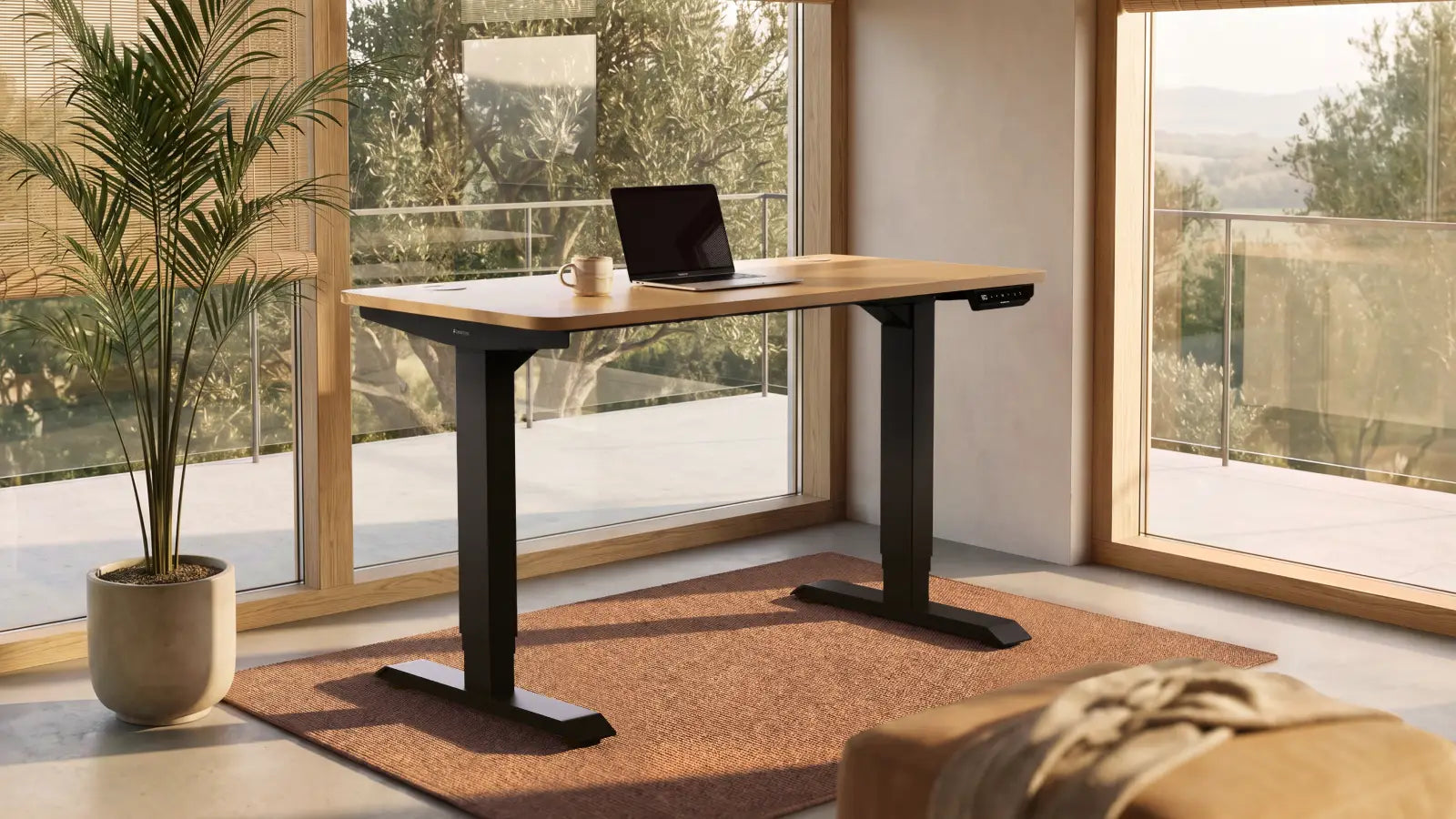
Imagine your daily desk setup: laptop, extra monitor, keyboard, and mouse spread across your workspace. For most, a standard 120x60 stand-up desk works well.
Jobs in creative, technical, or office work require more space. Designers, video editors, architects, accountants, and programmers often use 2 screens or more, a tablet, or many papers. In these cases, it’s better to choose a comfortable 180x80 desk. A few extra centimetres in width and depth give you more room to organise your workspace.
If you’re also a gamer, you need enough space to use your mouse and keyboard easily. If you spend most of your free time at your desk, make sure you sit comfortably and in a healthy way.
5. What's your budget?
Price and size usually go hand in hand, so it's good to know what to expect. A bigger desk usually has a stronger frame and motor, which makes it cost a bit more, while a smaller one is cheaper. But paying more doesn't always mean it's a better choice, since the right size is the one that fits your room and how you work.
If you are still unsure, our honest review of the advantages and disadvantages of a standing desk can help you decide if this purchase matches your needs and budget. After you pick the size, the next step is adjusting the height, and the Desktronic ergonomic desk height calculator can help you with that.
-
Save up to 21%
 HomeOne standing desk
-
Oak / White
-
Walnut / Black
-
White
-
Black
-
Olive green / Olive green
+10
Everything you need for comfortable work
+ More colours & sizes
From £259 £329 -
-
Save up to 24%
 HomePro standing desk
-
Walnut / Black
-
Oak / White
-
White
-
Black
-
Olive green / Walnut
+10
Built to exceed every standard
+ More colours & sizes
From £349 £449 -

