







-
TLDR
-
What are the essential parts of an ergonomic workstation?
-
How do you pick the right standing desk?
-
How do you choose the right chair?
-
Where should you place your computer screen(s)?
-
Where should you put your keyboard and mouse?
-
How to organise your cables and work set up?
An ergonomic workstation is for keeping you comfortable during long hours at work. The desk should be tidy and set at the right height, the chair should support your back, the screen needs to be at eye level, and the keyboard and mouse should be easy to reach.
TLDR
- To set up an ergonomic workstation, begin with an ergonomic desk that you can adjust for height and a chair that offers good support.
- Keep your screen, keyboard, and mouse close by. Make sure the monitor is at eye level, and every item you need is easy to reach.
- Use accessories like cable trays, channels, or an under-desk drawer to keep your workspace tidy and free of clutter.
What are the essential parts of an ergonomic workstation?
An ergonomic workspace has a few key items arranged properly. The Desktronic team made this list to help you focus on the most important things. These are the desk, chair, monitor(s), computer mouse and keyboard, desk accessories, and keeping your area tidy, whether you work from home or in the office with others.
Here you’ll find our tips on how to correctly set up a healthy and comfortable ergonomic workstation.
How do you pick the right standing desk?
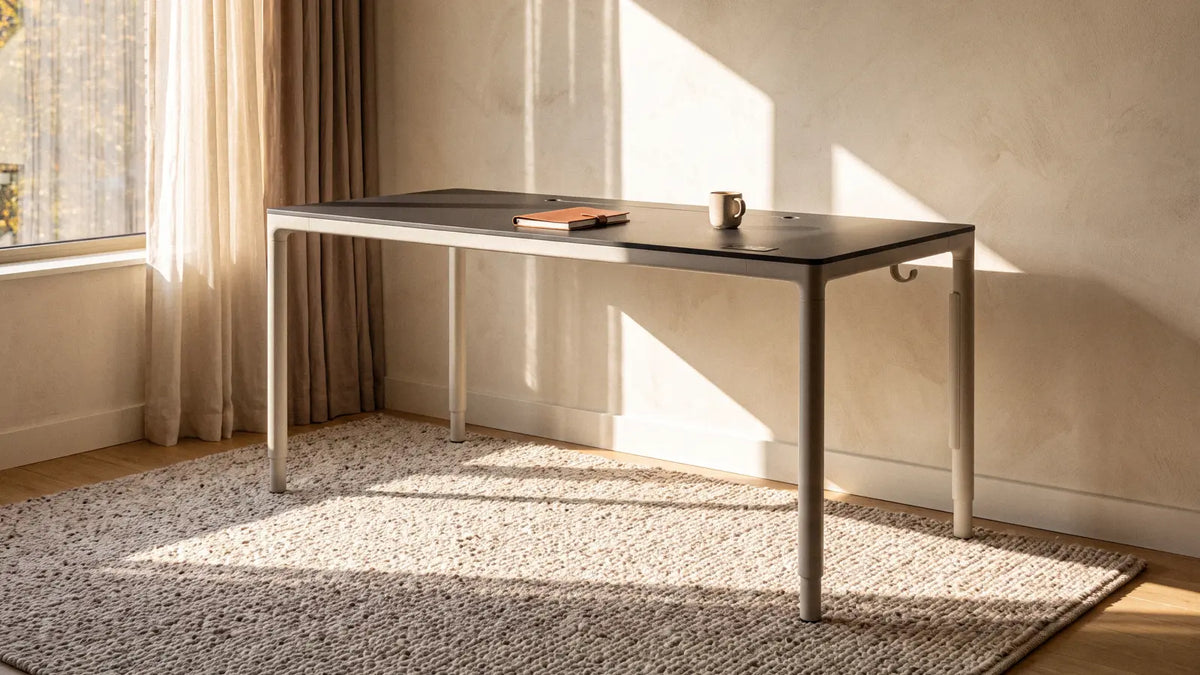
Start creating your ergonomic office setup by choosing the right desk, because its height affects everything else. If your desk is too high or too low, your posture can get worse. You might notice your shoulders lifting, your wrists bending down, and you could feel stiff by the afternoon.
Ergonomic height-adjustable desks can solve this problem by adjusting to your body whether you’re sitting or standing. They make it easy to switch between positions, so you can stay active throughout the day.
The stability of your desk is important, too. A wobbly desk can distract you and make it hard to work while standing, that’s why a sturdy 4-leg sit-stand desk is often better than a 2-leg one when it is fully raised. If you are unsure about the best height for you, our ergonomic desk height calculator can help you find the right setting.
How do you choose the right chair?
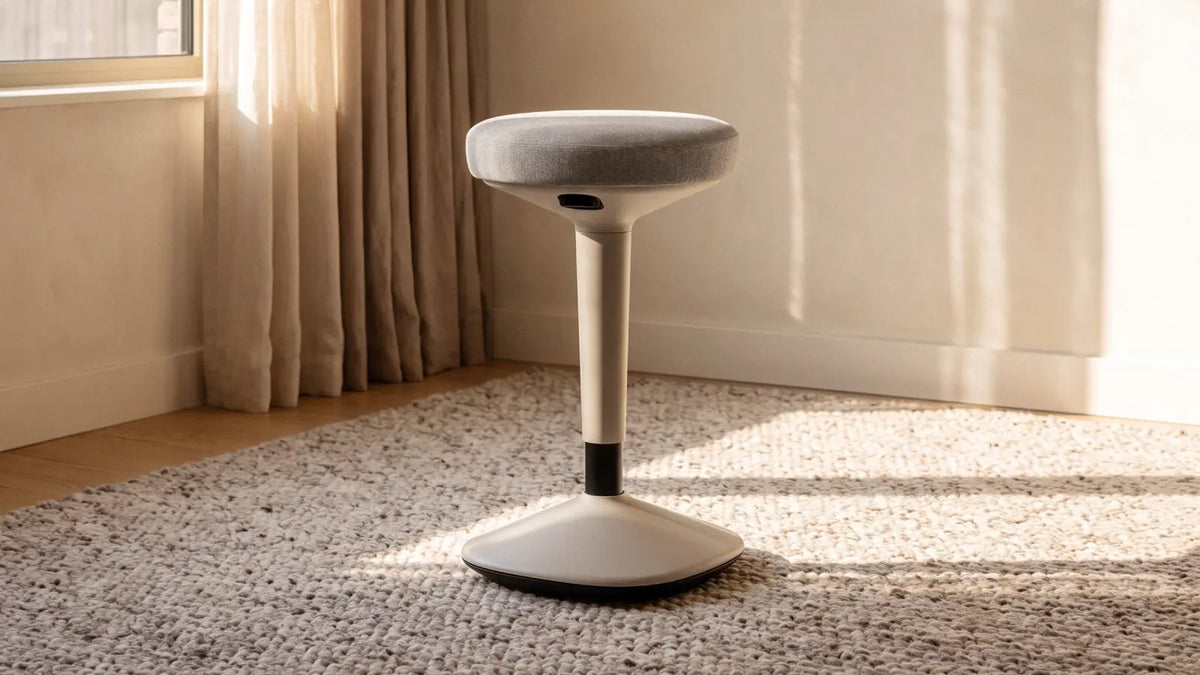
You spend a lot of time in your chair, so it needs to support you well. The most important things are good support and adjustability. An ergonomic desk chair lets you adjust the backrest, armrests, and seat height to fit your body. Its lower back support matches the curve of your spine, which helps you avoid slouching when you sit for a long time.
If you have trouble sitting still or prefer to move around while you work, a balance stool might suit you better. Its rounded base encourages gentle balancing, which uses your core muscles and keeps you from staying in one position. Wobble stools also work well with sit-stand desks, so you can switch between sitting, standing, and moving.
Where should you place your computer screen(s)?
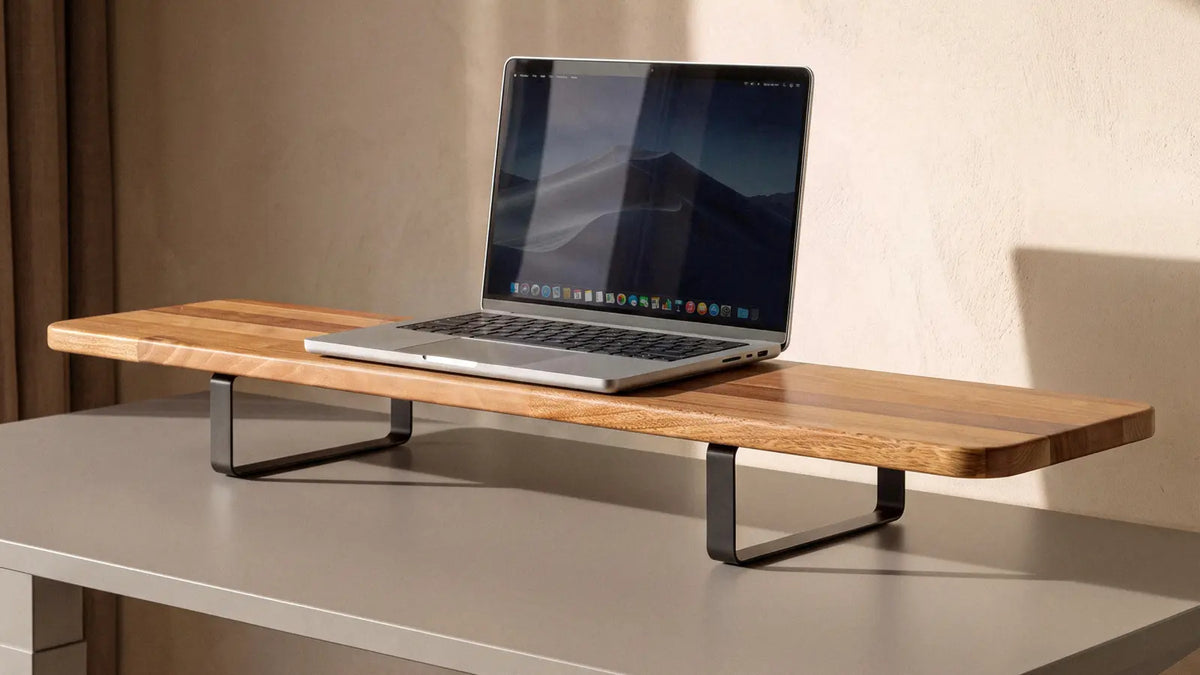
Place the top of your monitor at eye level and keep it about an arm's length away. Most screens are too low, and using a monitor holder lets you change the height, angle, and distance while also freeing up desk space.
If you want a simpler option, a monitor stand (desk shelf) can lift your screen to the right height and give you extra space. Monitor holders are especially helpful for laptop users who use a separate keyboard because this setup raises your screen to eye level but keeps your hands comfortable.
Where should you put your keyboard and mouse?
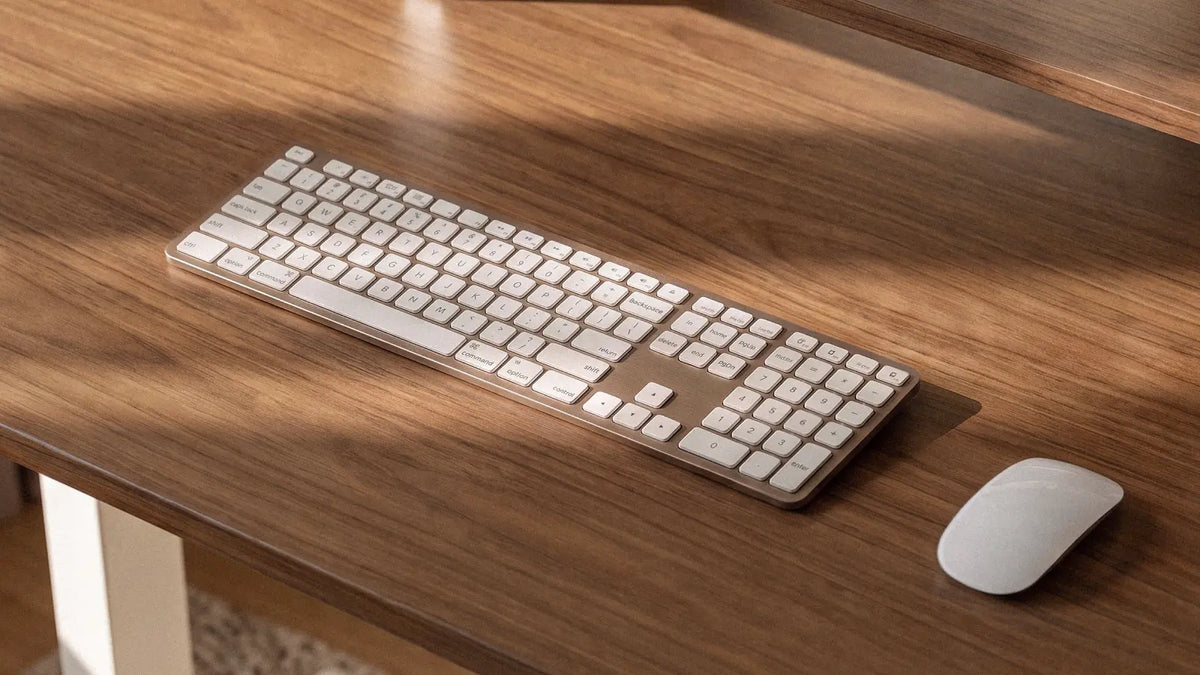
The answer usually comes from reach zones. These are the areas around your desk where you can easily reach what you need without straining your muscles or joints.
There are 4 horizontal zones that show where to place your daily items:
- Your computer keyboard and mouse should be in the primary zone, along with your water bottle or tea cup, within about 35 centimetres.
- Items you need occasionally, like a charger or a second screen can sit a little farther out where your arm stretches slightly.
- Things you only need a few times a day, such as a desk lamp, can go farther.
- Keep your phone in the last zone to cut down on distractions.
The more you use something, the closer it should be!
How to organise your cables and work set up?
A tidy desk means an organised workspace. A few accessories can help keep your daily items in order:
- Cable tray: when you adjust your desk height, the power strip and extra cables move with the desk, so they don’t get tangled.
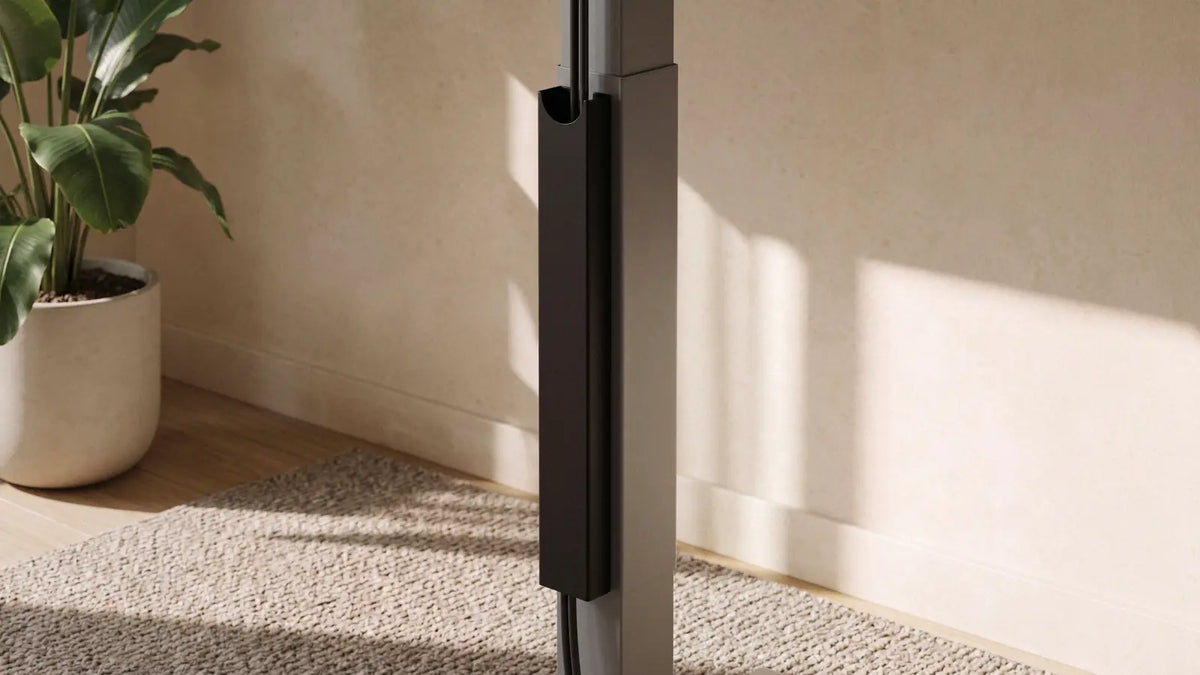
- Magnetic cable management: if you have only a few cables, use this channel to hold them along the frame and keep them out of sight.
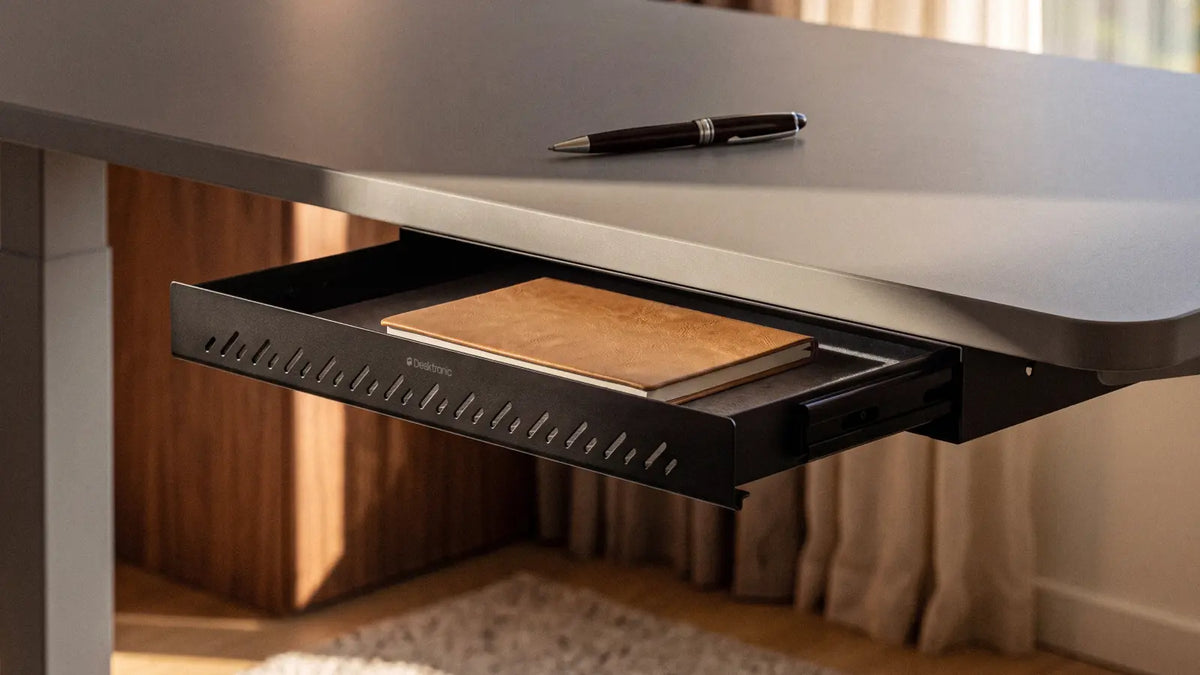
- Desk drawer: it’s for people who like to keep things neat and tidy. You can put your chargers in it while working and your laptop in it when you’re not using it but want a clear desk or need space for other tasks.
A desk layout like this and the right items can be the final touch that makes your work setup comfortable and fits your personal needs and style.
-
Save up to 21%
 HomeOne standing desk
-
Oak / White
-
Walnut / Black
-
White
-
Black
-
Olive green / Olive green
+10
Everything you need for comfortable work
+ More colours & sizes
From £259 £329 -
-
NewSave up to 22%
 Wobble stool
-
Black
-
Grey
-
Olive green
-
Midnight blue
-
Muted pink
Active sitting, simplified
+ More colours
£139 £179 -
-
NewSave up to 29%
 Monitor stand
-
Walnut / Black
-
Oak / White
-
White
-
Black
-
Solid oak / Black
Raises monitors to eye level
+ More colours
From £99 £139 -
-
Save 28%
 Magnetic cable channel
-
Black
-
White
-
Grey
-
Olive green
-
Midnight blue
-
Muted pink
Instant setup, lasting order
+ More colours
£28 £39 -
-
Save 29%
 Desk drawer
-
Black
-
White
-
Gray
-
Olive green
-
Midnight blue
-
Muted pink
Keep your desk clutter free
+ More colours
£35 £49 -


